What is the _layouts/15/start.aspx in SharePoint 2013
SharePoint 2013 immediately redirects you to an application page start.aspx when you call a website.
If you’ve ever wondered why, keep on reading…
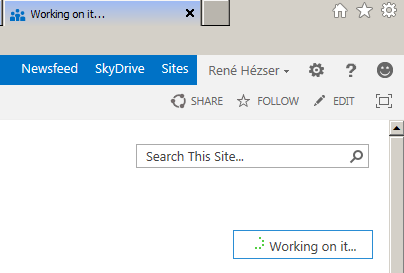
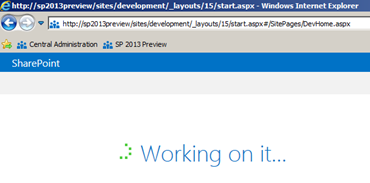
The pictures will also look familiar to you. So what happened? Why the start.aspx?
The start.aspx inherits Microsoft.SharePoint.ApplicationPages.MDSStartPage. That page simply looks, if the SPContext.Current.Site.CompatibilityLevel is above 14. If not, it’ll redirect to web.Url. That is the behavior, we know from previous versions of SharePoint.
Control.ClientID has wrong value
An ASP.NET Controls has a ClientID property. SharePoint Controls inherit from the ASP.NET Controls. The property will give you the ID, the rendered control will have in the HTML source. There is one thing to remember:
The ClientID is valid only, if the control has been added to the Controls of the Page!
| ID **before** adding the control | ID **after** adding the control | FilterButton | **ctl00\_m\_Webpart1_**FilterButton |
So if you need the ClientID e.g. to pass it to a JavaScript to be able to find the control, make sure you grab the ClientID after the control has been added to the Page.
Using SharePoint Controls
Back from vacation. 1 week with an offline version of feeds is hard. So I read the postings I got closely 🙂 One post I do want to bring your attention to, is about SharePoint Controls.
My post about using the SharePoint Controls shows how to use the controls you see in forms (TextField, NumberField, LookupField…).
There are plenty of SharePoint controls, which you can use. Robin Meure has written a post “re-using SharePoint controls”. The controls in his post are:
 took me a while to figure this out, because the documentation is kind of incomplete
 |
SharePoint data type |